The night, live on the big screen
Open one link on a TV or a projector. Your guests' photos play on their own, and new ones jump in as they're taken.
Included in the Wedding Bundle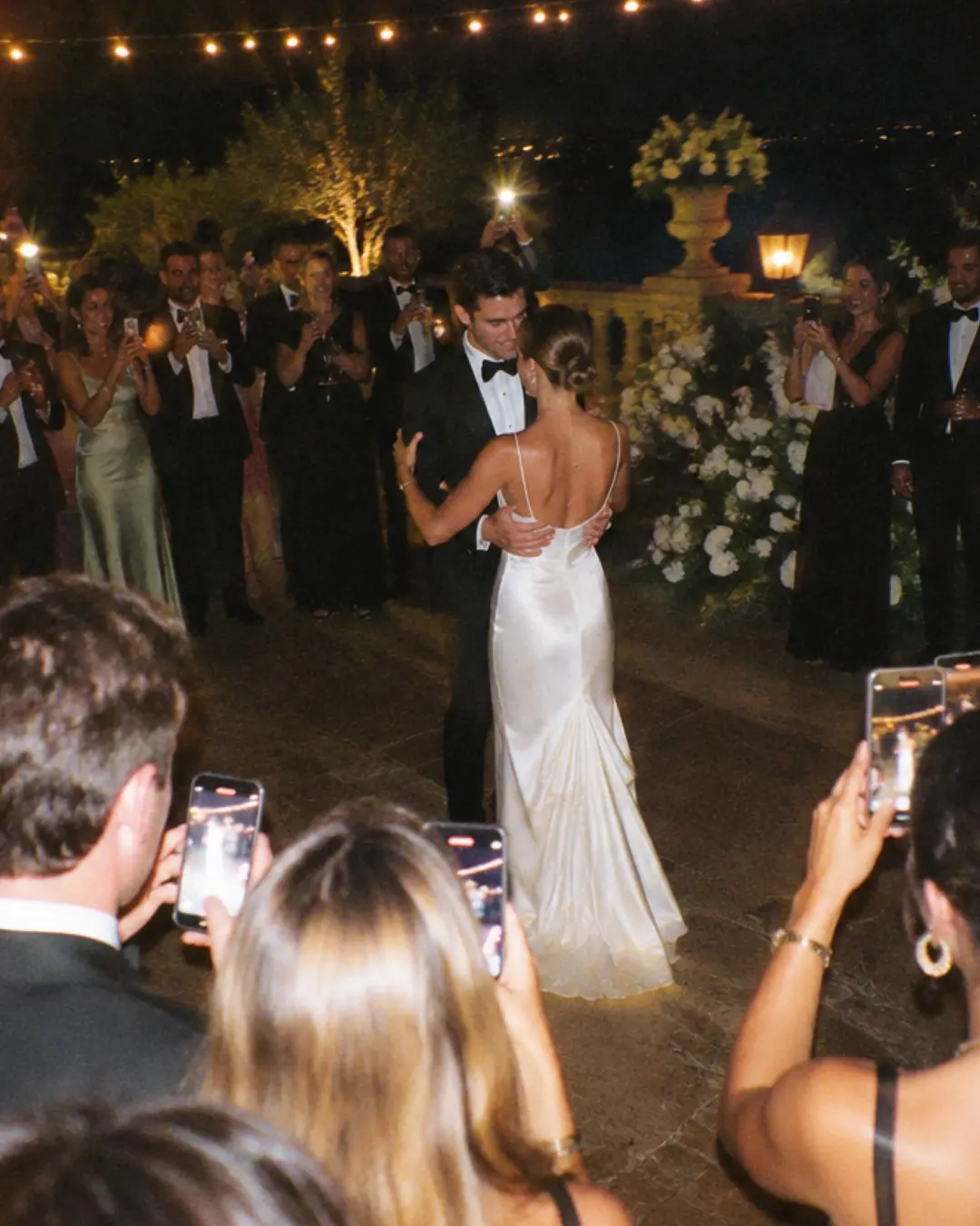

You decide what the room sees.

Show the night as it happens
Photos hit the screen as soon as they're taken. On phones they stay hidden until the reveal.
Keep the surprise
The screen shows the countdown and the QR code. The photos start playing when the album reveals.
One link. Any screen.
The QR code stays on the screen, so anyone can join from their seat.

The screen is for the room. The album is for keeps.
In the morning, every photo that played on the screen lands in one album for you and your guests.


$29 per event. Included in the Bundle.
What do I need at the venue?
A screen with a web browser and internet: a smart TV, a projector with a laptop, or just a laptop.
Will guests see the photos before the reveal?
Only on the screen, and only if you choose live mode. On their phones, photos stay hidden until the reveal.
Can I hide the names?
Yes. You can turn off the event name, the photo count and who took each photo.
Can I add it after I've created the event?
Yes. Add it from your event page whenever you want, even on the day.