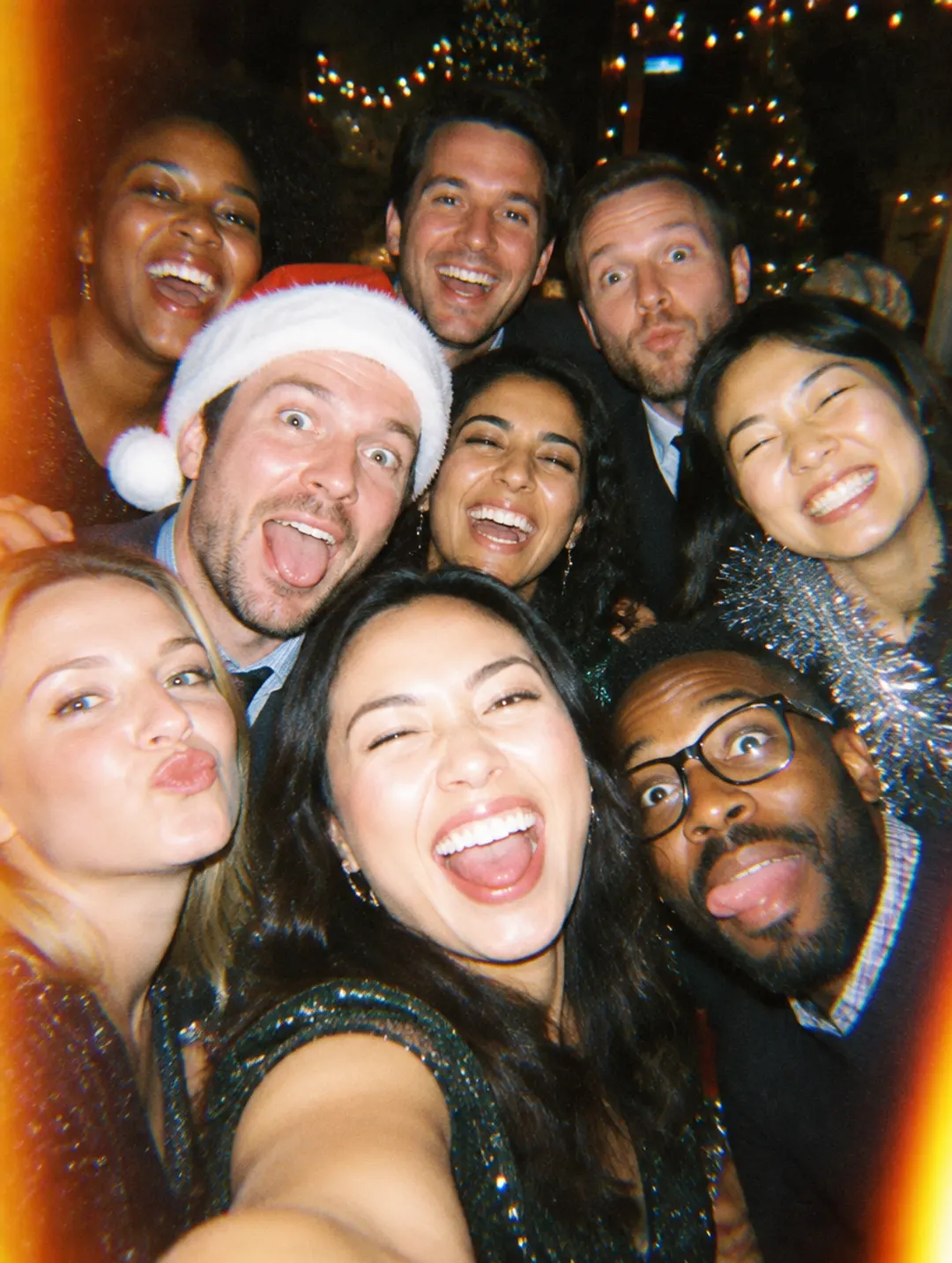
Every year someone chases half the team for the party photos. With Momenta they all land in one album on their own: the toast, the gift swap, the raffle and the dance floor.
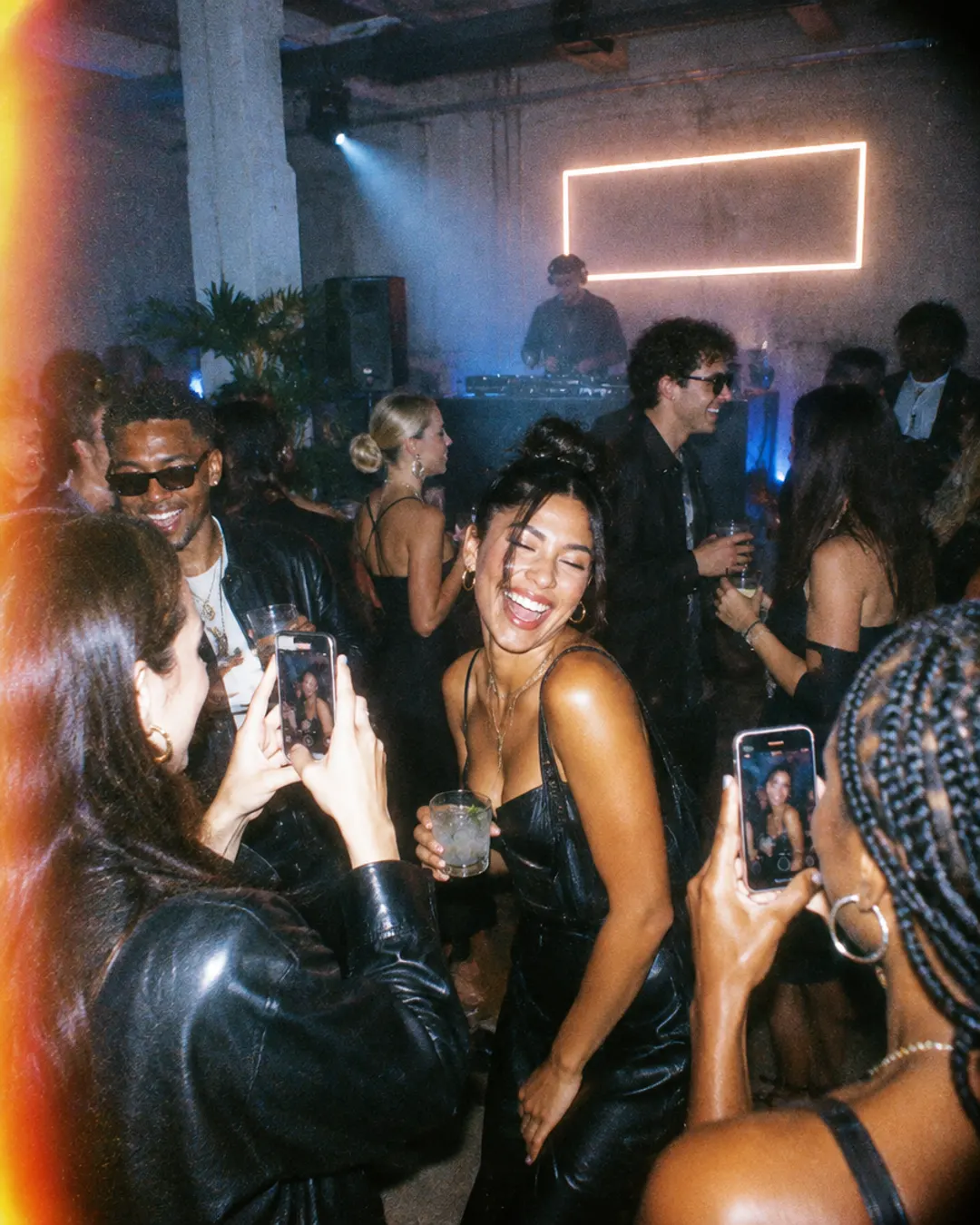
At your launch or activation, every attendee becomes a content creator. One QR code, hundreds of real photos and one album for your marketing team.
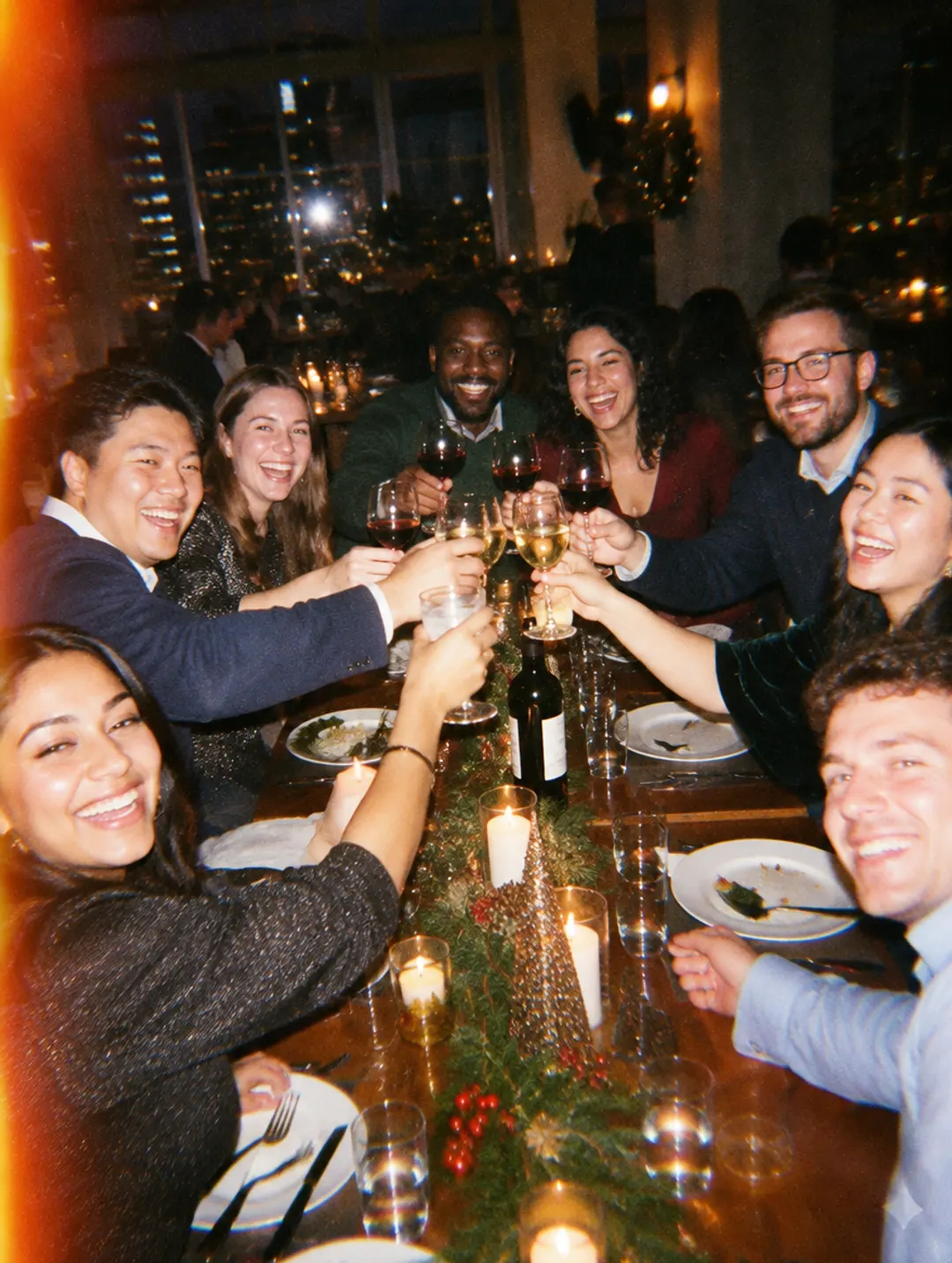
Offsites, retreats, conferences and incentive trips: every participant takes photos and it all ends up in one shared album.

Monday, 9 a.m.: the party photos reveal and the office can't talk about anything else. A disposable camera for every employee, on their phone.

You create one moment for the event, choose how many people can join and print the QR code for the tables (or add the link to the invite). Everyone shoots on their phone and the photos reveal in one album when you decide.
Momenta is free for up to 10 people. For larger teams the price depends on the number of attendees and is a one-time payment per event. Write to us for a quote; we can invoice your company.
On iPhone, no: guests scan the QR code and Momenta opens instantly as an App Clip, without installing anything. On Android, guests install the free Momenta app from Google Play for now; uploading from the browser, with no app, is coming soon.
You choose when you create the moment: during the event, right after it ends, or 12 or 24 hours later. Everyone gets a notification when the photos reveal.
Only the people who joined the moment. As the organizer you decide whether guests can see the album, and the public album link is only shared if you choose to share it.
Yes. Once the photos reveal you can save them to your camera roll, get every photo in a ZIP by email, or share a link to the album.
Still having questions?




Free for up to 10 guests
Scan with your phone
It opens the App Store or Google Play.