How it works
From a QR code to the reveal, in four steps
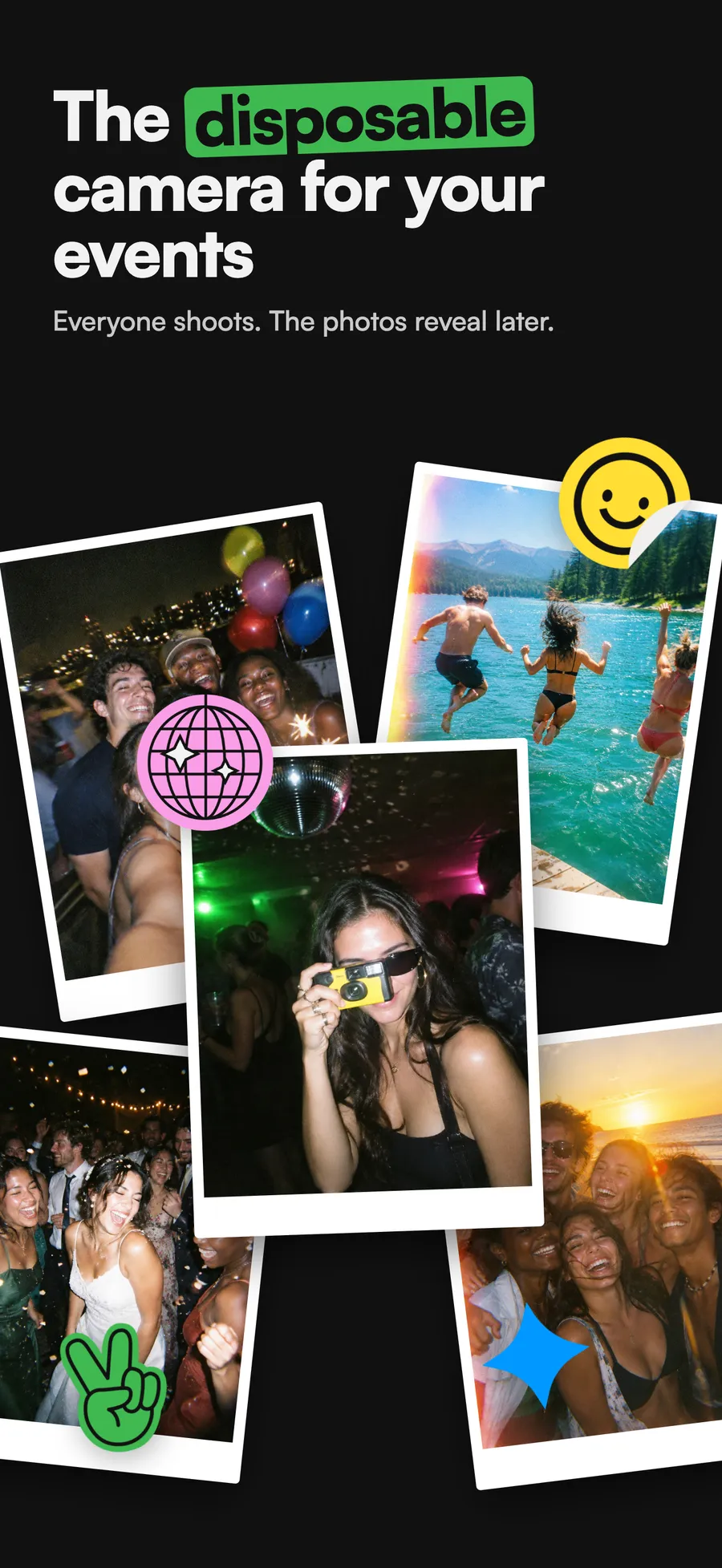
Momenta turns every guest's phone into a disposable camera. Everyone shoots during the event, nobody sees a thing, and the next day every photo reveals together in one album.
Free for up to 10 guests · No download for guests on iPhone
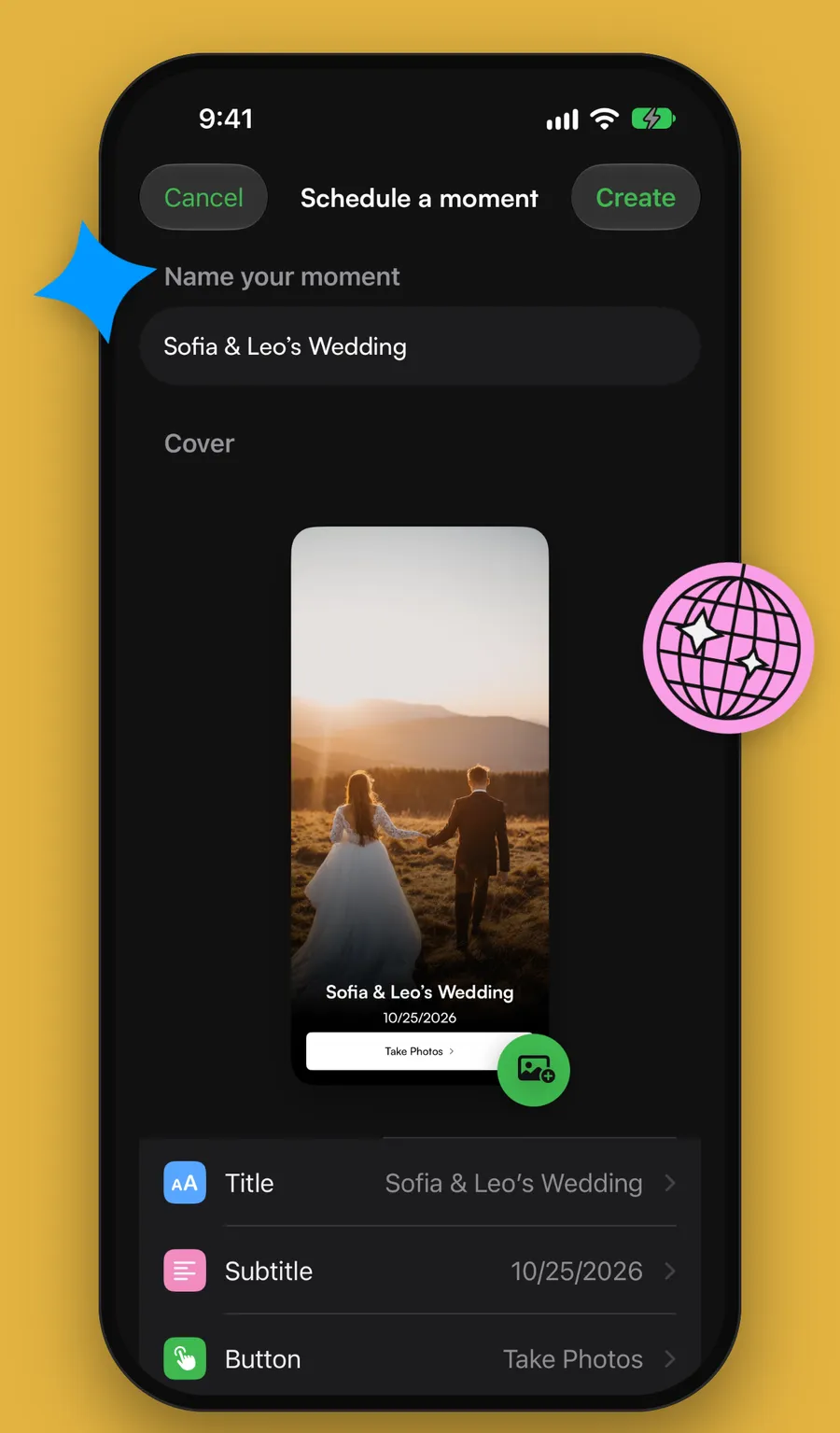
Step 1 · Create
Set it up in seconds
- Name your moment and pick a cover photo.
- Choose how many guests can join (free for up to 10).
- Give each guest 5, 10, 15 or 25 shots, like a roll of film.
- Pick when the photos reveal: during the event, right after it, or 12 or 24 hours later.
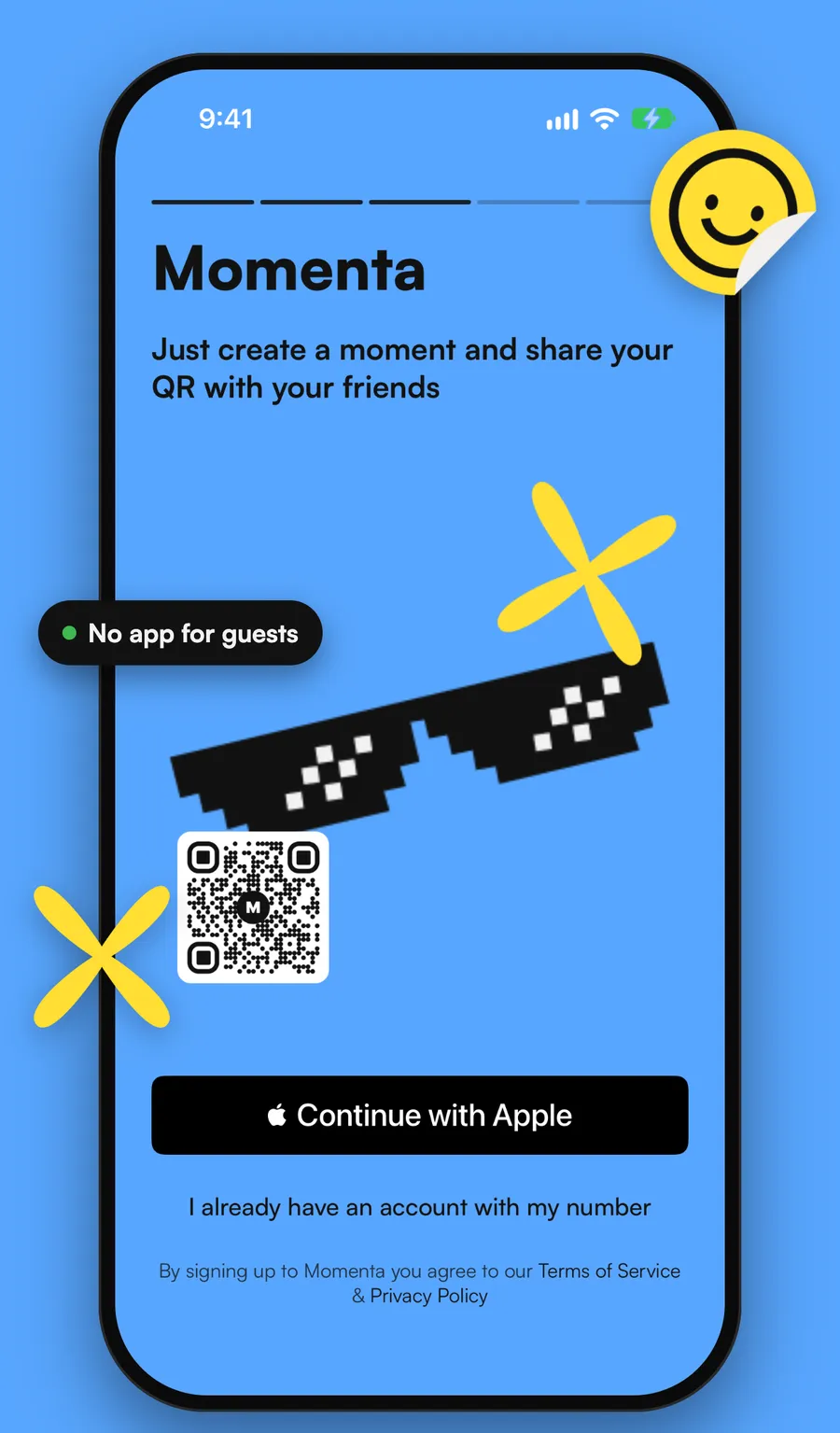
Step 2 · Share
One QR. Everyone's in.
- Print the QR code for the tables or send the link to the group chat.
- On iPhone, guests scan and Momenta opens instantly as an App Clip, with nothing to install.
- On Android, guests install the free Momenta app.
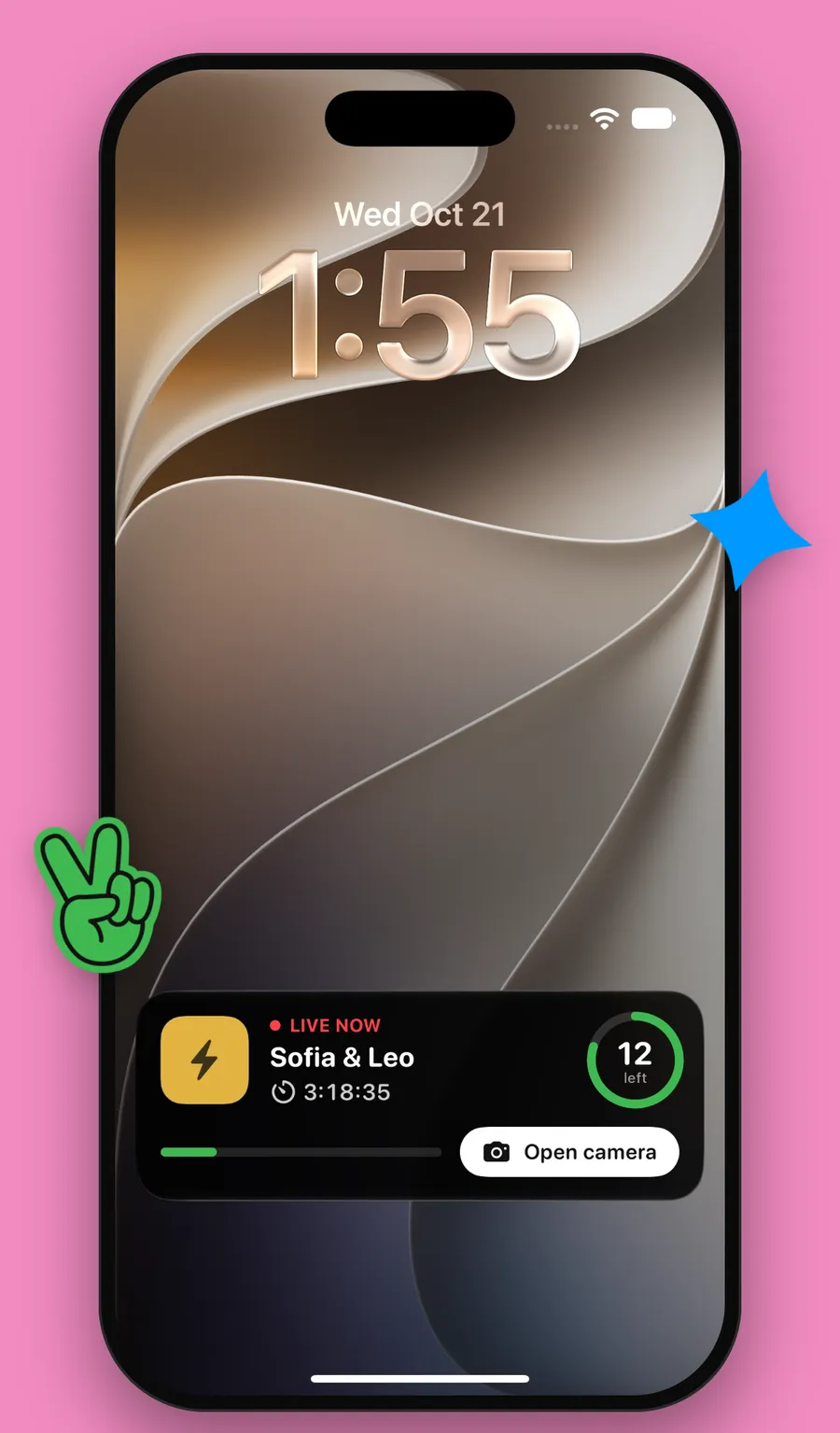
Step 3 · Shoot
A disposable camera on every phone
- Every guest shoots with their own phone, with a limited number of shots.
- Nobody sees the photos yet, just like film. You live the party instead of checking the screen.
- On iPhone, a Live Activity on the Lock Screen and Dynamic Island shows the shots left and opens the camera in one tap.
Step 4 · Reveal
The morning-after reveal
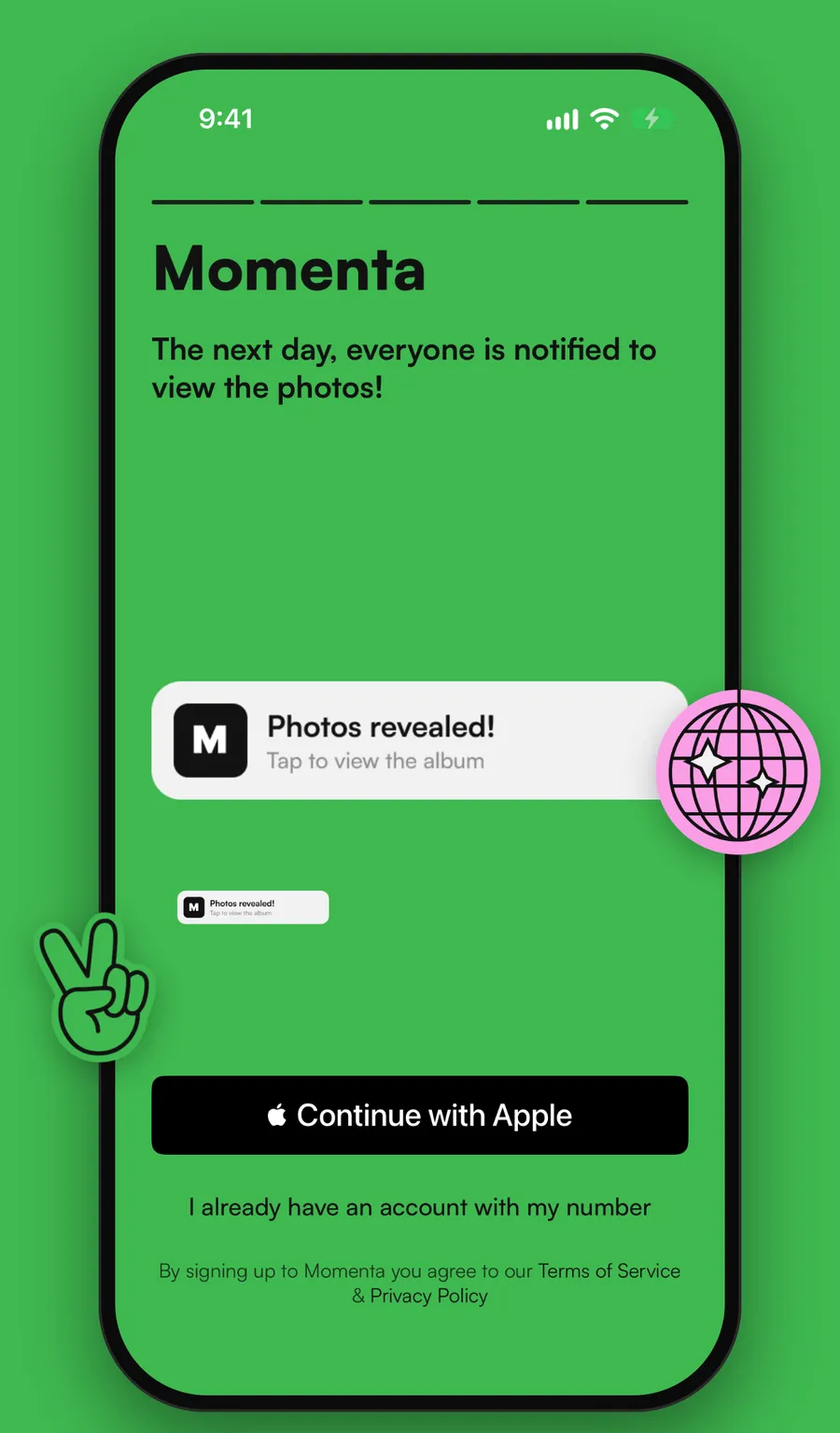
- When it's time, every photo reveals at once and everyone gets a notification.
- All the guests' photos land in one shared album. You decide whether guests can see it.
- Save photos to your camera roll, get every photo in a ZIP by email, or share a link to the album.
The album
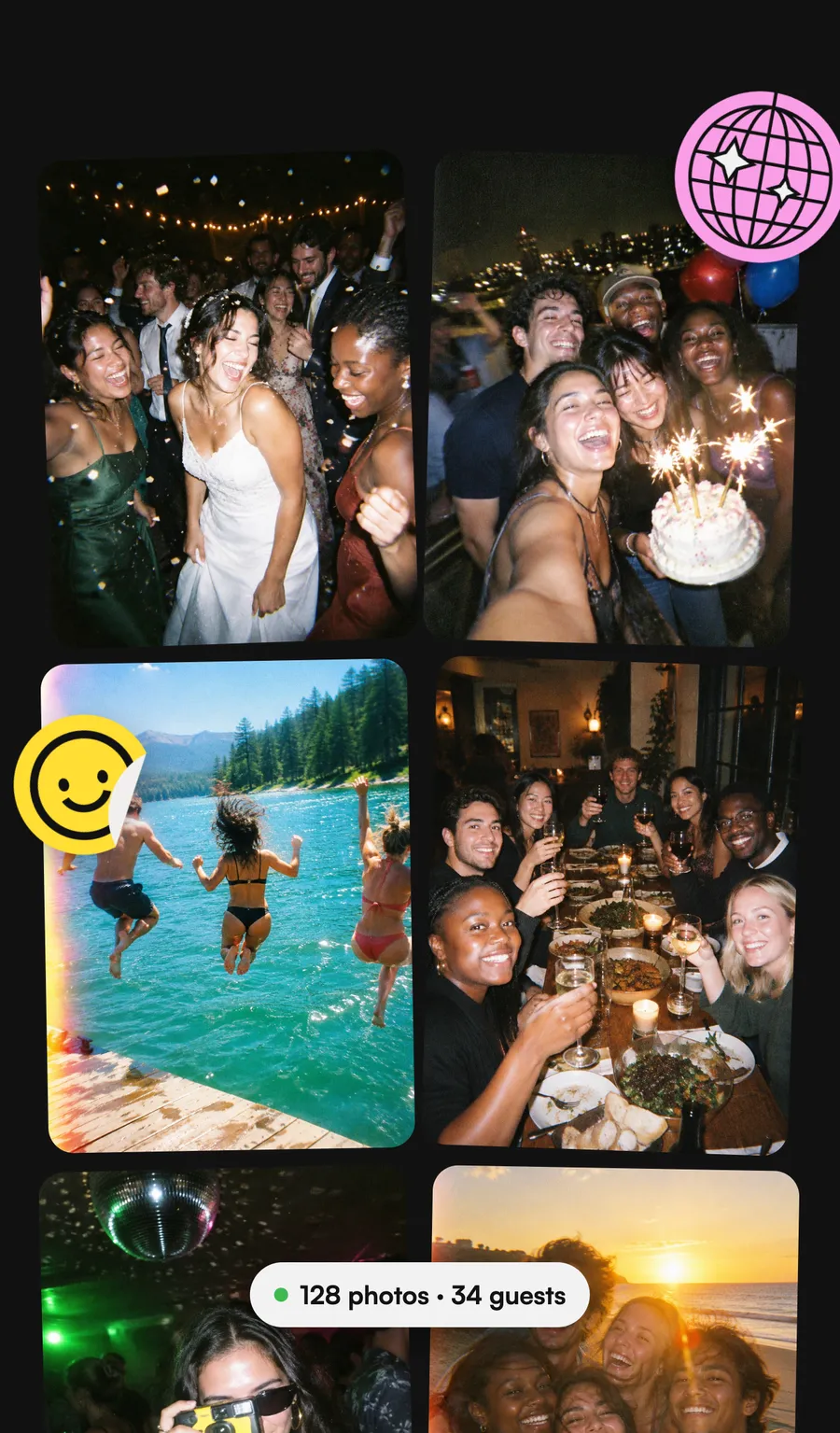
Every angle of the night
The toasts, the dance floor, the 2 a.m. moments and the people your photographer never met: every guest's photos together, in one place, without chasing anyone in the group chat.
FAQ
Questions?
How much does Momenta cost?
Momenta is free for up to 10 guests. For bigger events you add guests with a one-time in-app purchase, sized to your guest count. There is no subscription.
Do my guests need to download an app?
On iPhone, no: guests scan the QR code and Momenta opens instantly as an App Clip, without installing anything. On Android, guests install the free Momenta app from Google Play for now; uploading from the browser, with no app, is coming soon.
When do the photos reveal?
You choose when you create the moment: during the event, right after it ends, or 12 or 24 hours later. Everyone gets a notification when the photos reveal.
How many photos can each guest take?
You choose 5, 10, 15 or 25 shots per guest, like a roll of film. Nobody sees the photos until they reveal.
Can I download all the photos?
Yes. Once the photos reveal you can save them to your camera roll, get every photo in a ZIP by email, or share a link to the album.