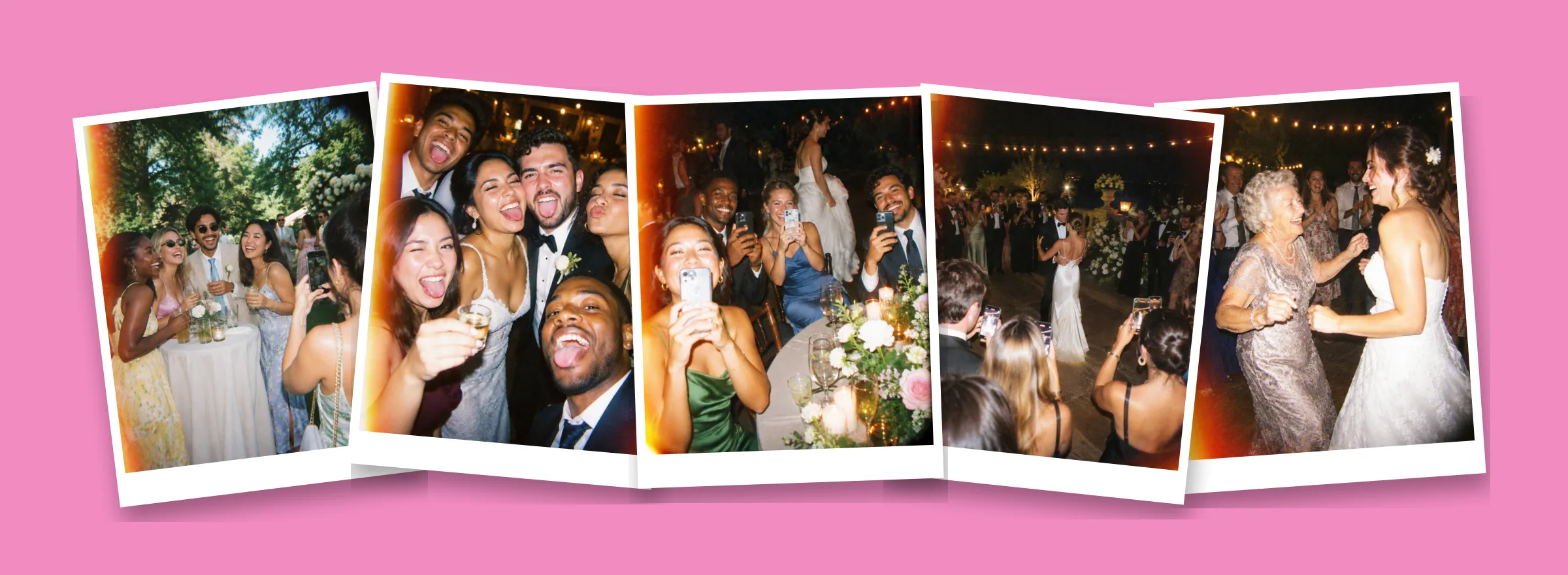
At a wedding with 100 guests, dozens of phones are out all night. Between them they take hundreds of photos: the toasts, the dance floor, your grandmother dancing, the moments your photographer was on the other side of the room. Most of those photos stay on their phones forever.
The fix is not asking harder. It's picking one way to collect them before the wedding and making it so easy that guests use it without thinking. Here are the five options couples use, and how they compare.
1. Ask guests to send their photos afterwards
The default, and the one that works least. You post in the group chat a few days later, a handful of people send a few photos each, compressed, and the rest forget.
- Cost: free.
- What you get back: a small fraction of what was taken, usually from close friends.
- Works if: your wedding is small and your guests are very organized.
2. A shared album (Google Photos or iCloud)
Create a shared album, print the link or a QR code, and ask guests to upload. It's free and the quality is good.
- Cost: free.
- What you get back: better than the group chat, but most uploads happen days later, if at all. Guests have to remember, open the link, pick the photos and wait for them to upload.
- Watch out for: iCloud shared albums work best for iPhone users; Google Photos asks guests to sign in to add photos.
3. A wedding hashtag
A hashtag on the welcome sign gets you the photos guests post publicly on Instagram.
- Cost: free.
- What you get back: only what people post publicly, which is a small, curated slice. Private accounts don't show up, and you can't download the originals.
- Works best as: a bonus, not your main plan.
4. Disposable cameras on every table
The classic. One camera per table, collect them at the end, develop them.
- Cost: about $20 to $25 per camera plus about $15 to $20 to develop each one. For 10 tables, roughly $350 to $450.
- What you get back: at most 27 shots per camera, so about 270 photos for 100 guests, weeks later. Some cameras go home with guests or come back half used, and dark reception shots often come out black.
- Why people love it anyway: the surprise. Nobody sees the photos until they're developed.
We broke down the real cost in Momenta vs disposable cameras.
5. A disposable camera app with a QR code
This is what we built Momenta for. You create a moment for your wedding, put the QR code on the tables, and every guest gets a camera on their own phone with a few shots each, like a roll of film. Nobody sees the photos during the party. The next morning, every photo reveals at once in one shared album.
- Cost: free for up to 10 guests; bigger weddings add guests with a one-time in-app purchase, with no subscription.
- What you get back: every photo every guest takes, in one album, the next morning. Save them to your camera roll, get them all in a ZIP by email or share a link with the family.
- Joining: on iPhone, guests scan the QR code and Momenta opens instantly as an App Clip, with nothing to install. On Android, guests install the free Momenta app for now.
See how it looks for a wedding on Momenta for weddings.
How to make any of these actually work
Whatever you choose, the setup is what decides how many photos you get back.
- Put the QR code where people already look. Every table, the welcome sign, the bar and the program. One sign at the entrance is not enough.
- Say it out loud. Ask your MC or DJ to mention it once during dinner. It's the single biggest boost you can give it.
- Make it part of the fun, not a chore. Limited shots and a next-day reveal turn it into a game; "upload your photos" turns it into homework.
- Decide when you'll see them. A reveal the morning after gives everyone a reason to come back to the album at the brunch.
- Test it before the day. Scan your own QR code from a guest's point of view, on an iPhone and an Android phone.
Frequently asked questions
Does this replace a wedding photographer? No. Your photographer captures the ceremony, the portraits and the key moments. Guest photos fill in everything else: the tables, the dance floor and the people your photographer never met.
How many photos should I expect from guests? It depends on the method. With table cameras, at most 27 per camera. With a disposable camera app, it's the number of guests times the shots each one gets: 100 guests with 10 shots each is up to 1,000 photos.
When should I share the QR code? At the wedding itself, on the tables and the welcome sign. You can also send the link a few days before so guests know what it is when they see it.
Ready to try it? Get Momenta and create your wedding moment in a few seconds. It's free for up to 10 guests, so you can test it with your wedding party first.
Every guest's photos, in one album
Free for up to 10 guests · No download for guests on iPhone